Product information management by SalesChef
What is a PIM used for?
To hold product facts once and send them to every channel: site, marketplaces, feeds and retailers. It keeps names, attributes, barcodes and images consistent.
Product information management by SalesChef
Product information management (PIM) is holding every fact about a product once, in one place, and sending it to every channel. A PIM stores the record. SalesChef works with it: reading your records, checking each fact against the maker, filling the gaps, and making the pages, listings and sales material that sell. Your PIM stays the source of truth.
of Gen Z shoppers (43% of millennials) abandon a purchase when product details do not match across sites.
Salsify (opens in a new tab)of the largest e-commerce sites fail to give a consistently high level of detail in product descriptions.
Baymard Institute (opens in a new tab)Software and a way of working that keeps product facts in one record: names, attributes, barcodes, images, and which channel needs what. It answers “what is true about this product.” It does not decide “why would anyone buy it.”
Product records, attributes, completeness rules and channel exports.
Approved images, video and brand assets, tied to the product record.
Governed data and hierarchies across a large business.
Sending product information to retailers in each one’s format.
Hold each fact once and send it out. Facts that differ across sites cost sales.
The spec in the system is only as good as its last check. Compare against the label and the maker.
Each marketplace and retailer needs its own fields filled. Gaps mean rejections and missed searches.
Fields store facts. Shoppers need a clear reason this product fits their moment, in words made for the place.
Images and video tied to the right product and use.
New ranges, new seasons, changed specs: the record and the pages move together.
SalesChef connects to your PIM and asset library, or takes files, and reads attributes, families and images as they are.
Against the maker and the barcode record. Gaps and mismatches are flagged and filled, never invented.
Checked fields and source records go back into your PIM for your team to approve.
Pages, listings, ads, email, shelf and sales material come from the checked record, and stay in step with it.
The pantry stays yours. SalesChef reads it, checks it, and hands back a better record. Input: product records and approved assets. Output: checked fields and source records.
See every integration Akeneo
 Salsify
 inRiver
 Plytix
 Pimberly
 Syndigo
 Stibo Systems
 Informatica MDM
 Bynder
 Cloudinary
 Brandfolder
 Amplience
 Contentserv
 Widen
To hold product facts once and send them to every channel: site, marketplaces, feeds and retailers. It keeps names, attributes, barcodes and images consistent.
A PIM holds product facts and attributes. A DAM holds the images, video and brand files. The two are often linked, so each product record points to its images.
No. SalesChef works from a PIM, or from files such as spreadsheets and supplier packs. It checks each fact against the maker either way.
No. SalesChef hands back checked fields and sources for your team to approve. Nothing goes live without your yes.
Akeneo, Salsify, inRiver, Plytix, Pimberly, Syndigo, Stibo Systems and Informatica MDM, plus asset libraries such as Bynder, Cloudinary and Brandfolder.
A PIM stores the record. SalesChef knows why each product sells and makes the pages, listings and sales material from it, so the record earns gross profit.
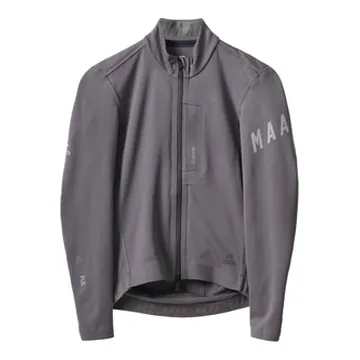
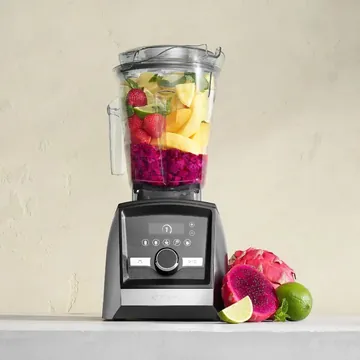
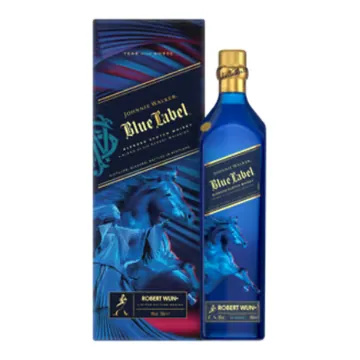
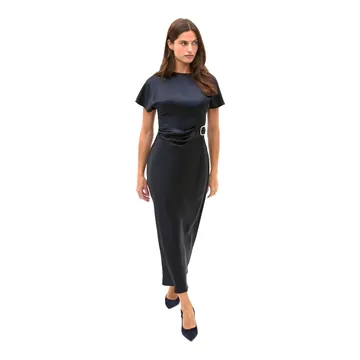
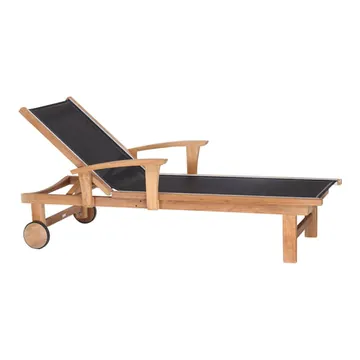
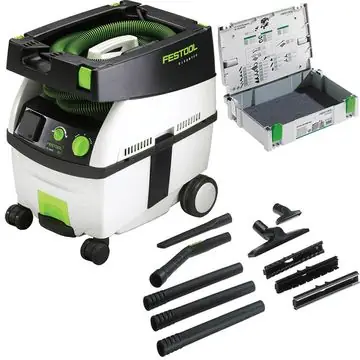
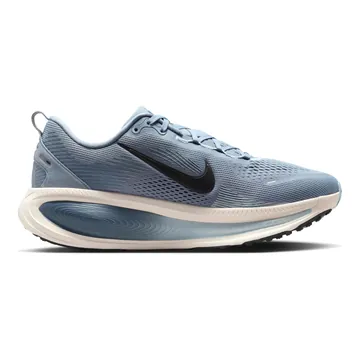
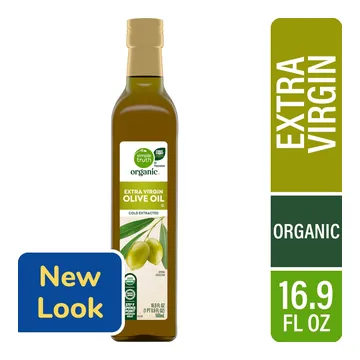
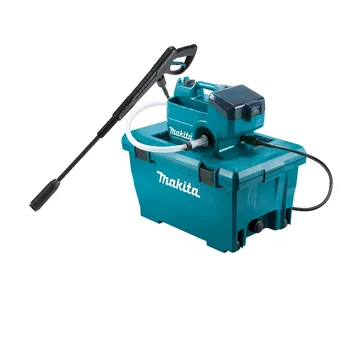
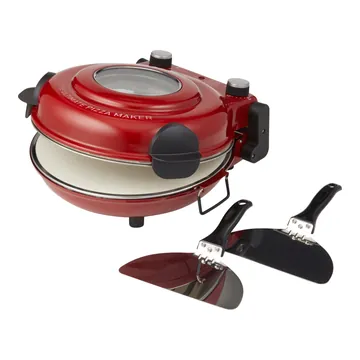
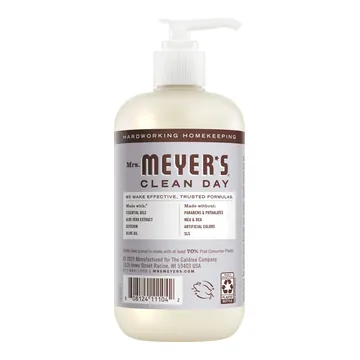
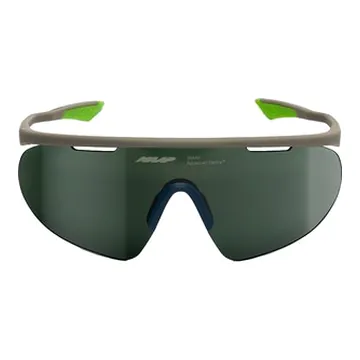
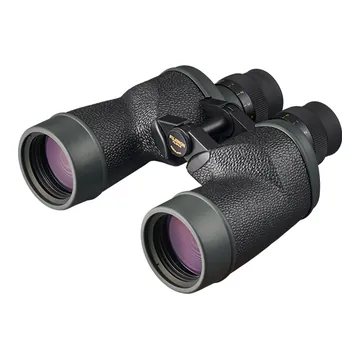
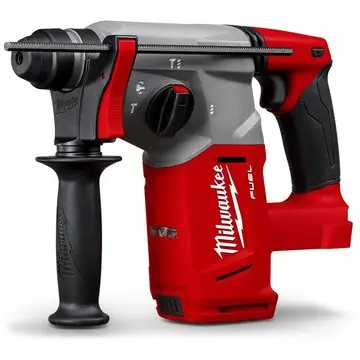
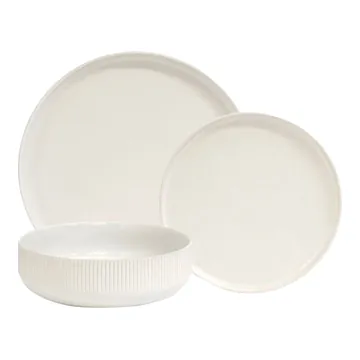
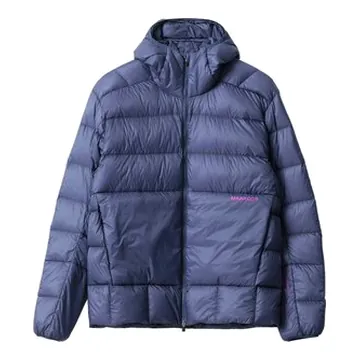
A wall of products already finished. Each one turns from basic product specs into a finished product, ready for online, in store, sales and campaigns.