Google Merchant Center disapproved products, fixed at the source.
A disapproved product is one Google Merchant Center will not show in Google Shopping because its data breaks a rule. Most disapprovals come from product data: a missing barcode or brand, an empty required field, a title or image that breaks policy, or a feed that disagrees with the product page. SalesChef checks every fact against the maker, fills the missing fields and makes titles and descriptions that meet Google’s rules, ready for your yes.
Why does Google Merchant Center disapprove products?
Google checks each product in your feed against its product data specification and its Shopping policies. When a product breaks a rule, Google disapproves it or limits where it shows, and says why in the Needs attention tab. These are the product data causes.
Identifiers
A missing, invalid or mismatched barcode, or a missing brand.
Required attributes
An empty field Google needs, such as color, size, gender or age group for apparel.
Images, titles and descriptions
Watermarks, promotional text, placeholder images, capital letters for emphasis, links in the description.
Category and page match
A wrong product category, a feed that disagrees with the product page, or a page that does not load.
How to fix disapproved products
Give every product its real barcode
Google says to provide a barcode only if you are sure it is correct, and never to guess or make one up. A missing or wrong one may limit where the product shows.
Use the real brand
Google does not accept N/A, Generic, No brand or Does not exist as a brand. If you make the product, use your store name.
Fill every required field
Apparel needs gender, age group and color, and shoes need size too. A wrong or missing category can change which fields are required, so set the category.
Keep the main image clean
No watermarks, no promotional text, no placeholder or "coming soon" graphics. Google wants an unobstructed, clean view of the item for sale.
Describe the product on the page
The title names the product the link leads to, with no promotional text and no capital letters for emphasis. The description has no links to other sites.
Match the feed to the page
Google compares your feed with your landing page, and it checks price and availability too. Mismatches can cause warnings or preemptive disapproval.
How SalesChef makes Merchant Center approvals easy
Checks every fact against the maker
Barcode, brand, size, color and materials are compared with the maker’s own record. Gaps and mismatches are flagged, never invented.
Fills the missing fields
Each product gets the fields Google needs for its category, from checked facts, so "missing value" issues close at the source.
Makes titles and descriptions that pass
Plain, accurate titles and descriptions that fit Google’s limits and describe the product on the page. SalesChef also flags images that break the rules, so your team can swap them.
Ready every time Google changes
New ranges, new seasons, new specs: the record and the feed move together. Every Monday, the next best move. Nothing goes live without your yes.
Works with your feed tools
SalesChef reads your current feed and field requirements and hands back prepared feeds. Your team approves them before they go to Google.
Questions about Google Merchant Center disapprovals
Why is my product disapproved in Google Merchant Center?
Google disapproves a product when its data breaks a rule: a missing or invalid identifier, a missing required field, a policy problem in the title, description or image, or data that does not match your landing page. The reason is shown in the Needs attention tab.
What are the image requirements for Google Shopping?
The main image must show the product clearly, with no watermarks, promotional text or placeholder graphics. It must be at least 500 x 500 pixels for all products from January 31, 2027.
How long does it take for Google Merchant Center to approve products?
Google’s own fix pages say to allow time for products to be re-checked after you update them, and that the Needs attention page can take time to reflect changes. Fix the data first, then resubmit.
Why isn’t my Google Shopping working?
Check the Needs attention tab for disapproved products and warnings first. Missing barcodes, empty required fields, policy problems in images or titles, and feed and page mismatches are the usual product data causes.
Do I need a barcode for every product?
Google recommends one for every product the maker has assigned one to, and says not to guess or make one up. Custom-made products, such as a garment made to your design, do not have one.
How does SalesChef help with disapproved products?
SalesChef checks every fact against the maker, fills the missing fields and makes titles and descriptions that meet Google’s rules. Your team approves the result, and nothing goes live without your yes.
A wall of products already finished. Each one turns from what the supplier sent into a finished product, ready for online, in store, sales and campaigns.
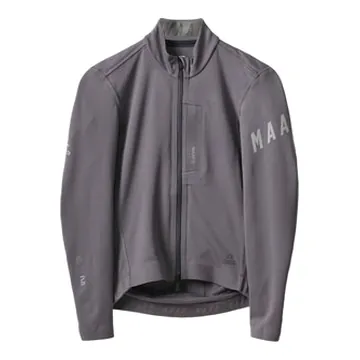
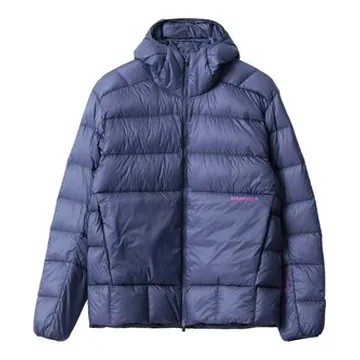
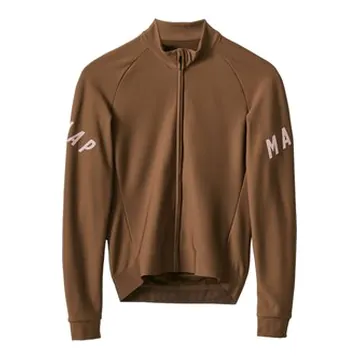
MAAP Apex Winter Jacket 2.0
OnlineIn storeSalesCampaigns
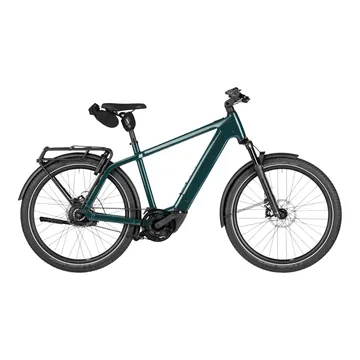
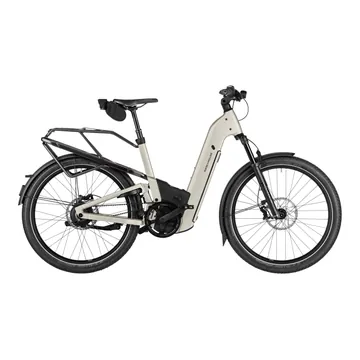
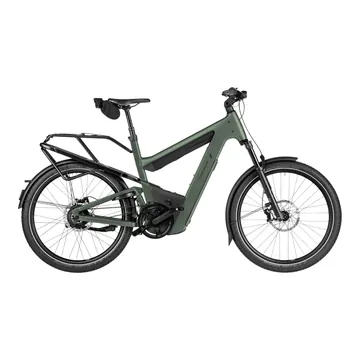
Riese & Müller Charger5
OnlineIn storeSalesCampaigns
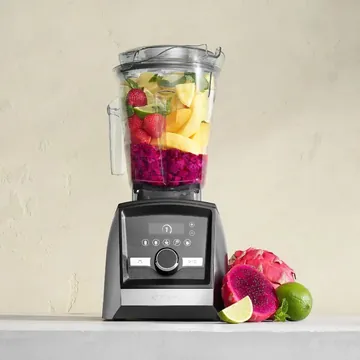
Vitamix A3500 Ascent Series Blender
OnlineIn storeSalesCampaigns
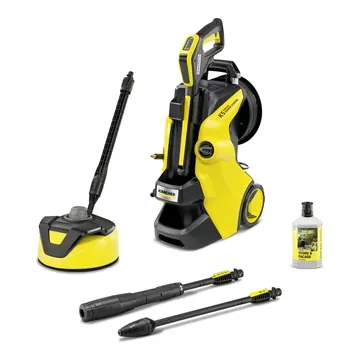
Karcher K5 Premium Power Control Pressure Washer
OnlineIn storeSalesCampaigns
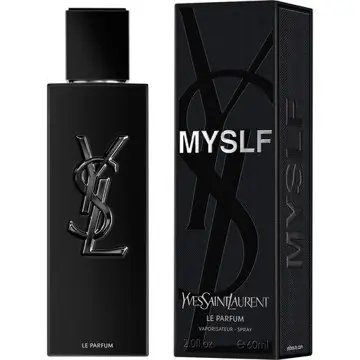
Yves Saint Laurent MYSLF Le Parfum 60mL
OnlineIn storeSalesCampaigns
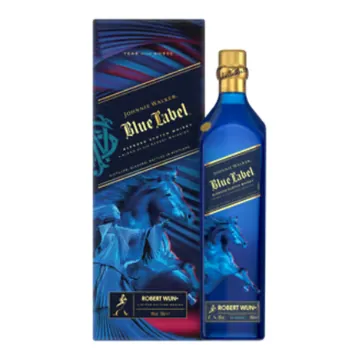
Johnnie Walker Blue Label x Robert Wun Year of The Horse 700mL

 Google Merchant Center fixes by SalesChef
 Google Merchant Center
 Feedonomics
 Channable
 Productsup