Product descriptions with SalesChef
How do you write a good product description?
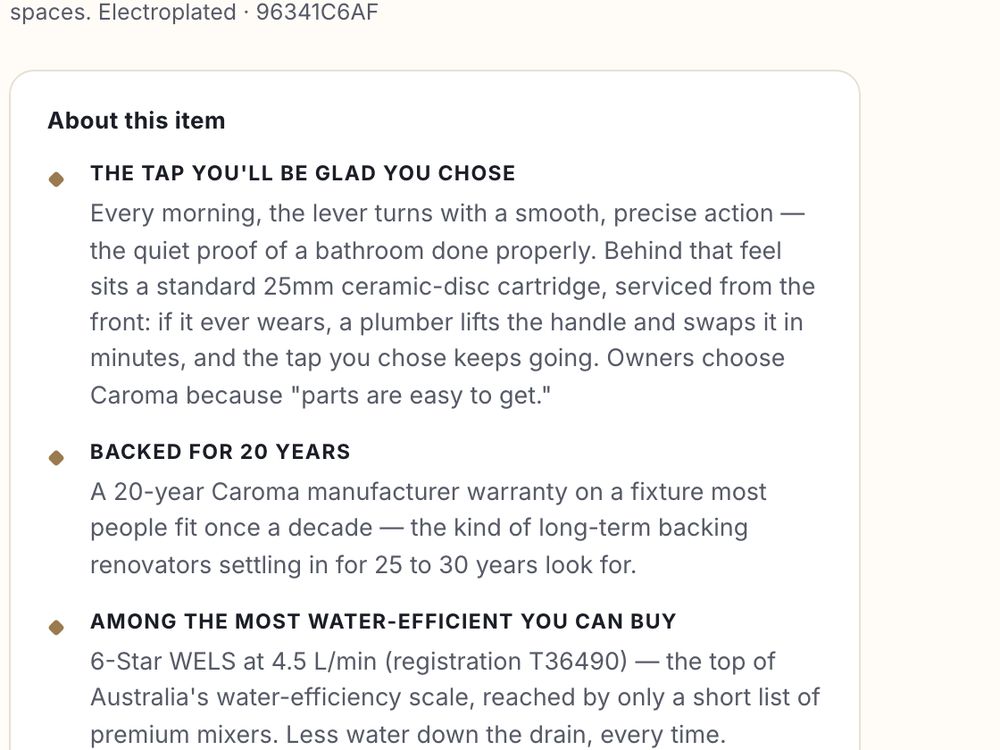
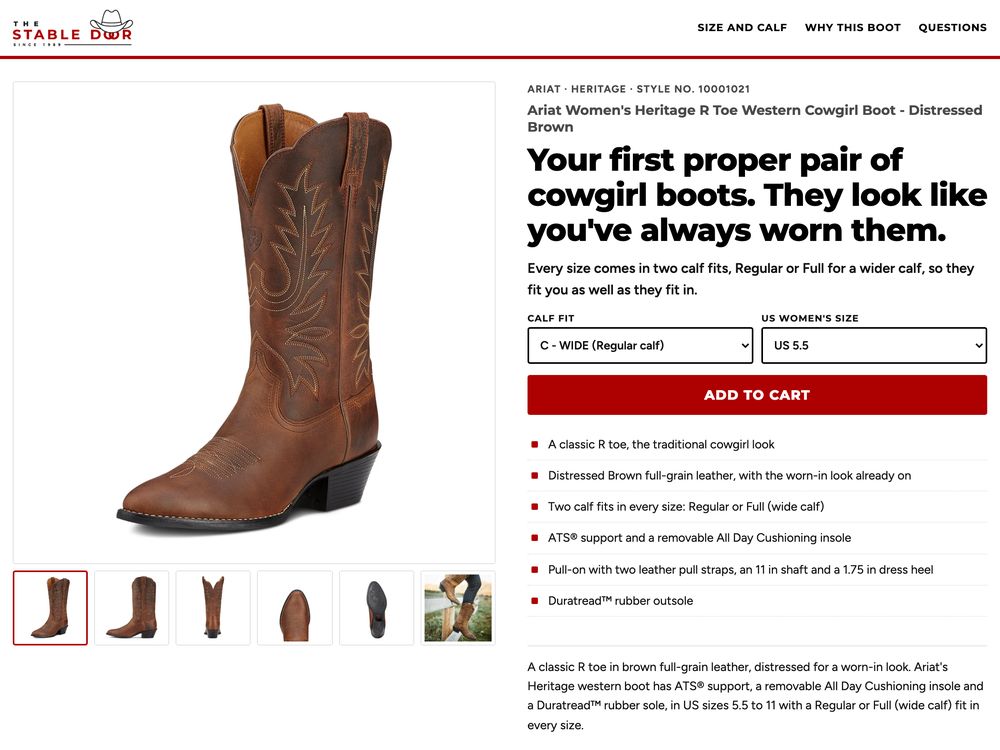
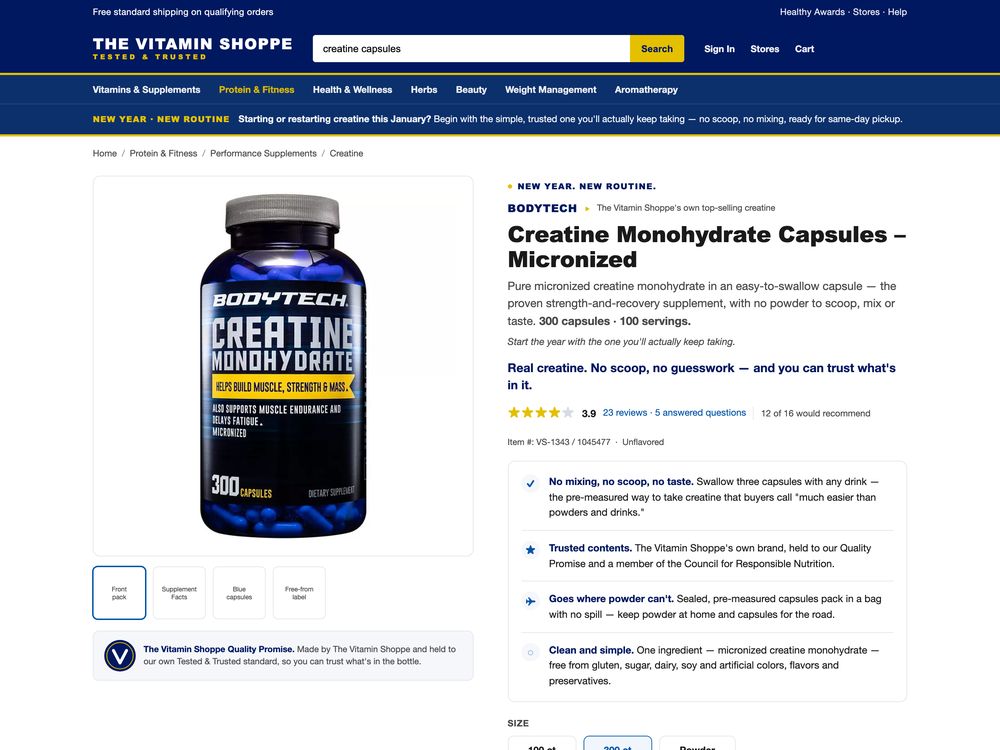
Lead with why the product fits the shopper’s moment, then give specific, true facts: size, material, what is included. Keep it scannable and the same on every channel.
Product descriptions with SalesChef
A product description tells a shopper what the product is, who it is for, why it fits their moment and every fact needed to decide. The best ones lead with why, then back it with true, specific facts. SalesChef knows why each product sells, checks every fact against the maker, and creates descriptions for every product, ready for your team’s yes.
of users in Baymard’s desktop study needed ingredient information when shopping for beauty products.
Baymard Institute (opens in a new tab)of Gen Z shoppers abandon a purchase when product details do not match across sites.
Salsify (opens in a new tab)The words that sell a product on its page or listing. A good one opens with why this product fits, then gives the facts that prove it. Baymard found that when information is missing, shoppers “many will simply abandon, rather than take a chance on purchasing the product.”
The long form: why it fits, who it is for, the facts, the answers.
Title, bullets and fields shaped to each marketplace’s rules.
One or two lines for category pages, ads, email and cards.
The same product in a few words for the store.
Open with the moment and the job. The spec comes after, as proof.
Size, material, what is in the box, what it works with. Every claim checked against the maker.
If shoppers always ask about fit or ingredients, answer on the page.
Every rival holds the same supplier text. A page built on it sounds like theirs.
Short lines, grouped facts, the answer first. Shoppers decide in seconds.
Page, marketplace and shelf agree, or shoppers leave.
The moments, the shoppers and the reasons, from marketing science and thousands of sources.
Against the maker and the barcode record, with every field filled.
Page, listing, short form and shelf, for every product, from one checked record.
New product, new season: the descriptions are ready for your yes. Every Monday, the next best move.
Descriptions go where your products are sold, in each one’s fields and limits.
See every integration Shopify
 WooCommerce
 Adobe Commerce
 BigCommerce
 Salesforce Commerce Cloud
 commercetools
 VTEX
Lead with why the product fits the shopper’s moment, then give specific, true facts: size, material, what is included. Keep it scannable and the same on every channel.
A page description with the moment, the facts and the answers. A marketplace listing with a clear title and bullets. A short two-line description for a category page. SalesChef shows real ones for its clients’ products.
As long as it takes to answer the shopper, and no longer. A simple product may need a short paragraph and a fact list. A technical one needs more.
You can, but every retailer holds the same text. A page built on it sounds like the rest. Check it against the maker and make it for your shopper.
Yes. AI assistants lift clear, factual, complete text. Descriptions that answer first and match your product data are easier for them to use.
SalesChef creates descriptions for every product from one checked record, for your team to approve, in the fields and sizes each channel needs.
A wall of products already finished. Each one turns from basic product specs into a finished product, ready for online, in store, sales and campaigns.