
Enrich by SalesChef · Step 1 of 3
 Enrich by SalesChef
Product data enrichment, off your plate.
Product information is slow to gather, scattered, half-missing and often wrong. SalesChef takes all of that off your plate: every product clean, correct and complete, each fact checked against its source. In minutes, not months.
750M+ products5,318 categoriesSalesChef already knows them. So yours never start from blank.
Send what you have. Even just a product code.
No more chasing suppliers for spec sheets and photos. A code or a name is enough. SalesChef knows where the rest lives.
- Spreadsheets & supplier feeds
- Product pages & saved pages
- Manuals & technical PDFs
- Labels & product images
- Manufacturer libraries
- Connected product data
- Sources in other languages
- Every row graded on arrival
- A dated copy of every source
- Safe links and files
- Whole supplier ranges in one sweep
- Drop anything, sorted for you
- SalesChef reads
- CSV, TSV & Excel, JSON & XML feeds, Links, saved pages & pasted text, PDF specs, manuals & installation guides, SDS, labels & certificates, Images & labeled diagrams, Supported IFC & DXF files
Your template. Or a best-practice one, built for you.
No more guessing which fields matter. Use yours, or start from the attributes shoppers filter on, AI assistants quote, and Google, Amazon and Walmart ask for.
- Your required fields
- Your templates & rules
- Categorization & taxonomy mapping
- Category-specific facts
- Names, units & formats
- Field types & allowed values
- Comparable fields across a category
- Files into your asset columns
- Your rules for every source
Messy rows in. A clean range out.
No more duplicates, orphan codes and look-alike listings. Every row lands on the right product, with its variants grouped and look-alikes kept apart.
- Product IDs & codes
- GS1 check digits
- Brands & model names
- Records across sources
- Possible duplicates, never merged blind
- Variants & pack sizes
- Products, packs & offers kept apart
- Families & ranges
- Sizes that never collapse
- Wrong-page trap
Missing product attributes, filled.
No more empty fields and guesswork. Every gap filled and every error corrected from the maker, with the source behind each cell. The whole range at once.
- Missing product details
- Product attribute extraction
- Your whole catalog at once
- Up the supply chain to the maker
- 40+ file types opened and read
- Specs from manuals & spec sheets
- Ingredients, allergens & claims from labels
- Drawings & BIM data
- Product databases
- Better original images
- Exact-model images
- Kit contents & compatibility
- This model’s files only
- The right column of shared tables
- Measurements from drawings, not renders
- A source and confidence for every fact
- Exclusions & limits kept
- Known facts & new gaps
- A range researched once
- Every file stored once
- Misfiled documents caught
- Files SalesChef opens and reads
- Spec sheets, Manuals, Installation guides, Certificates, Safety data sheets, Warranties, CAD: DWG, DXF, STEP, IGES, SolidWorks, BIM: Revit, IFC, ArchiCAD, SketchUp, 3D and AR: GLB, USDZ, Product images, Video, Zip bundles
Who approves what.
No more chasing sign-offs. Each person approves only what they own.
- Changes to review
- Who approves what
- Supplier corrections re-checked
- Approval tied to the exact draft
- Checked before and after publishing
- No reply left waiting
- A note when it is ready
A whole catalog approved in minutes, not months.
No more approving a catalog one cell at a time. Set the bar once: every fact SalesChef is surer of is approved across every product. Your team gets only the real calls, each with its proof.
- Auto-approve above your line
- Safety facts always to a person
- Conflicting facts
- Open questions
- Approve by product, range, brand or all
- A log of every decision
- Stuck items name the fix
- See the reach before you approve
- Settle once, use everywhere
- Lock a value
- Ask the supplier once
- Undo, on the record
AI-ready product data, saved where it lives.
No more re-keying between systems. Straight into your store, PIM, search, marketplaces and AI assistants, as drafts your team publishes.
- Mapped files & assets
- Your field names, units & mappings
- Checked against every channel
- Google and ChatGPT shopping feeds
- Trade-only facts kept private
- Drafts your team publishes
- The asset pack
- SalesChef gives you
- Filled spreadsheets, CSV & structured JSON, Checked facts & source notes, Remaining gaps & questions, Image, manual & warranty links, Specification links, Your field names, units & mappings
Next: SalesChef Sell.
Your product data, done. Now make every product sell.
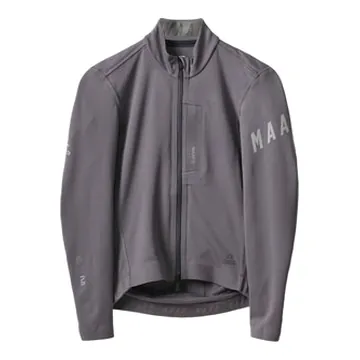
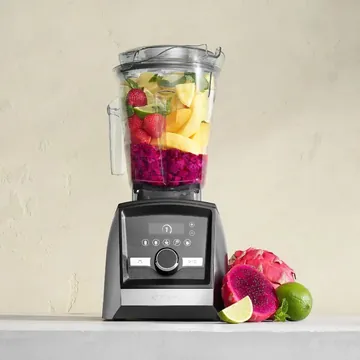
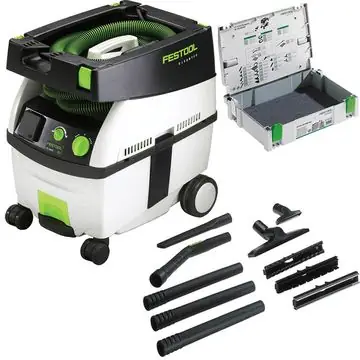
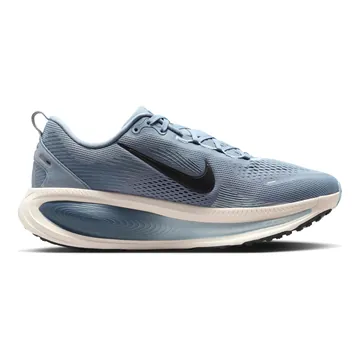
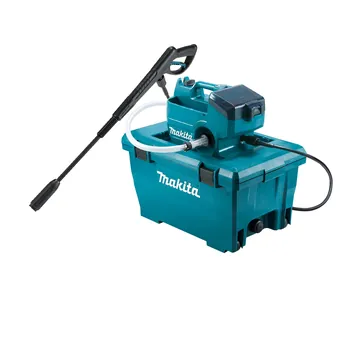
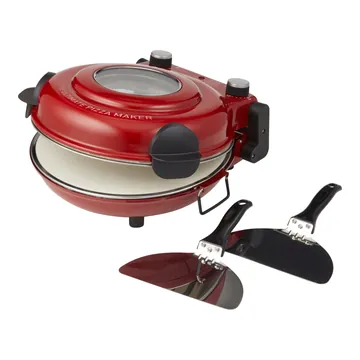
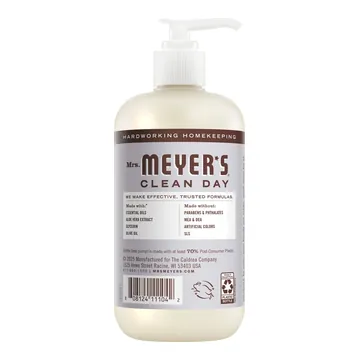
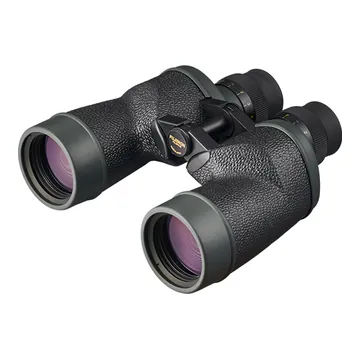
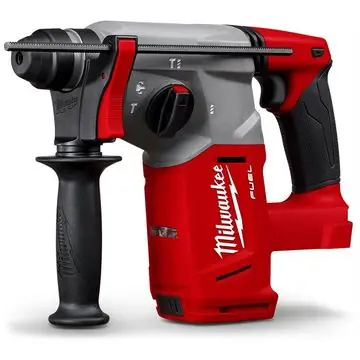
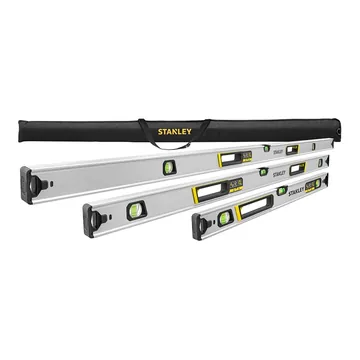
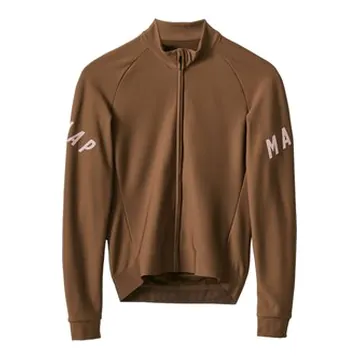
A wall of products already finished. Each one turns from what the supplier sent into a finished product, ready for online, in store, sales and campaigns.






















In minutes, not months.