Sell sheets by SalesChef
What is a sell sheet?
A one-page summary that gives a buyer what they need to decide on a product: what it is, who buys it, the specs and how to order.
Sell sheets by SalesChef
A sell sheet, also called a sales sheet or one-sheet, is a single page that gives a retail buyer what they need to decide on a product: what it is, who buys it and why, the specs they stock by, and the terms to order. It works when it answers the buyer’s questions, not just lists specs. SalesChef creates a sell sheet for every product, with the shopper knowledge and the buyer’s questions built in.
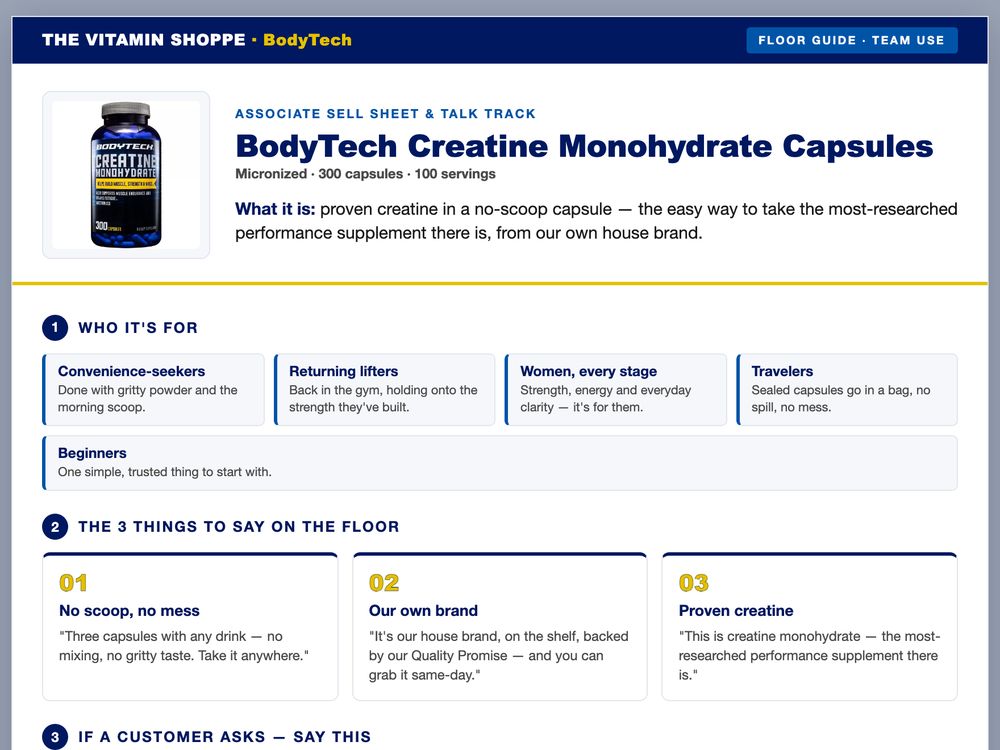
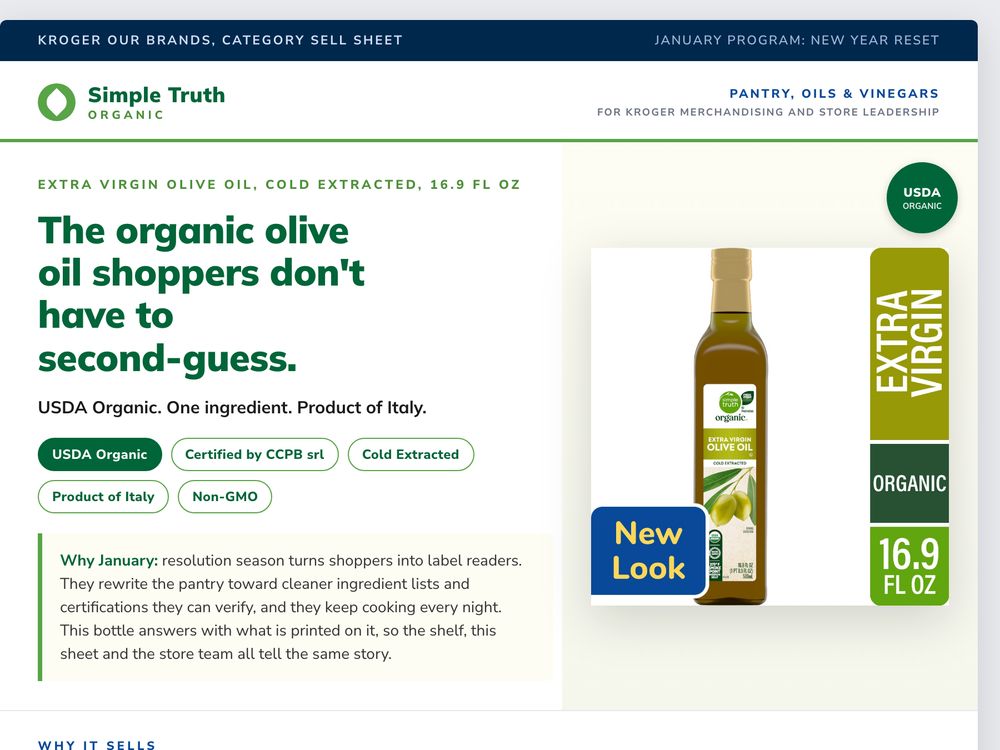
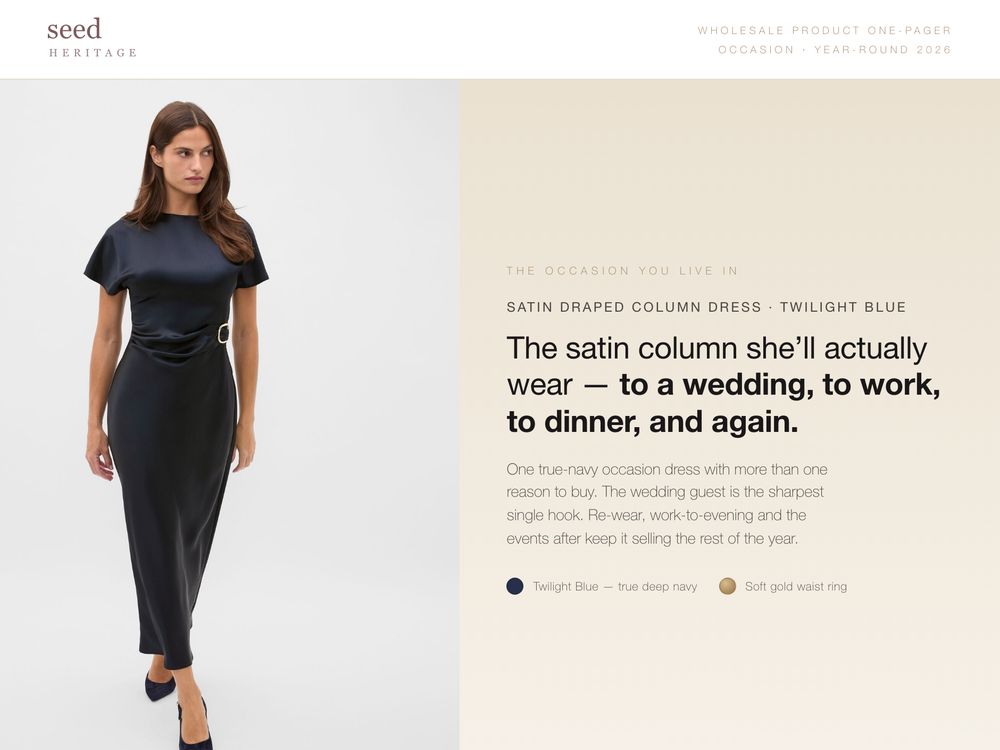
A one-page summary of a product for a buyer. A line sheet is a catalog of many items. A sell sheet sells one.
For a buyer at a store or chain: shopper, shelf fit and order details.
Case, pallet and logistics detail for the supply chain.
For a new product, with the story and the support behind it.
The same page as a shareable file or link, with images and datasheets one click away.
Product name, a clear image and a single line that says what it is and who it is for.
The moment and the need. A buyer stocks what shoppers pick.
What it does for the shelf: a clear reason to choose it, a gap it fills, support behind it.
Barcode, sizes, case pack, weights and pallet configuration, ready to enter in the system.
Minimum order, lead time, allergens, certifications and country of origin where they apply.
A contact, a sample request and a link to the full pack. Make the next step obvious.
The moments, the shoppers and the reasons, from marketing science and thousands of sources.
Where it fits, what it replaces, why shoppers choose it, what support comes with it.
A clean sell sheet from the checked product record, with every spec matching the label and barcode.
A new range, a new retailer or a new season: the sheet is ready. Every Monday, SalesChef names the next best move.
Sell sheets come as files, or load into the tools your sales team shares from.
See every integration Highspot
 Seismic
 Showpad
A one-page summary that gives a buyer what they need to decide on a product: what it is, who buys it, the specs and how to order.
Sales sheet, one-sheet, slick sheet or product sheet. A line sheet is different: it lists many products in a catalog.
Another name for a sell sheet: a glossy one-page flyer about a product, used to hand to a buyer.
One page with the product name and image at the top, the top benefits below, a block of specs and ordering details, and a contact at the foot.
Start with why shoppers buy the product, add the three things that matter to the buyer, list the specs they stock by and end with one next step. Check every figure against the label.
SalesChef creates a sell sheet for every product from its checked record, with the shopper knowledge and buyer questions built in. Your team approves before it is shared.
A wall of products already finished. Each one turns from what the supplier sent into a finished product, ready for online, in store, sales and campaigns.