Product FAQs by SalesChef
How do you make a product FAQ section?
Collect the questions shoppers really ask, answer each in the first line, check each fact against the maker, and place them on the product page.
Product FAQs by SalesChef
Product FAQs are the questions shoppers ask about a product, answered on the page where they decide. The best ones come from real questions, not guesses: chat transcripts, support tickets and search. SalesChef uses the data from your chatbot, Zendesk and other support tools to take pressure off your sales team, improve your chatbot and answer questions before they are asked.
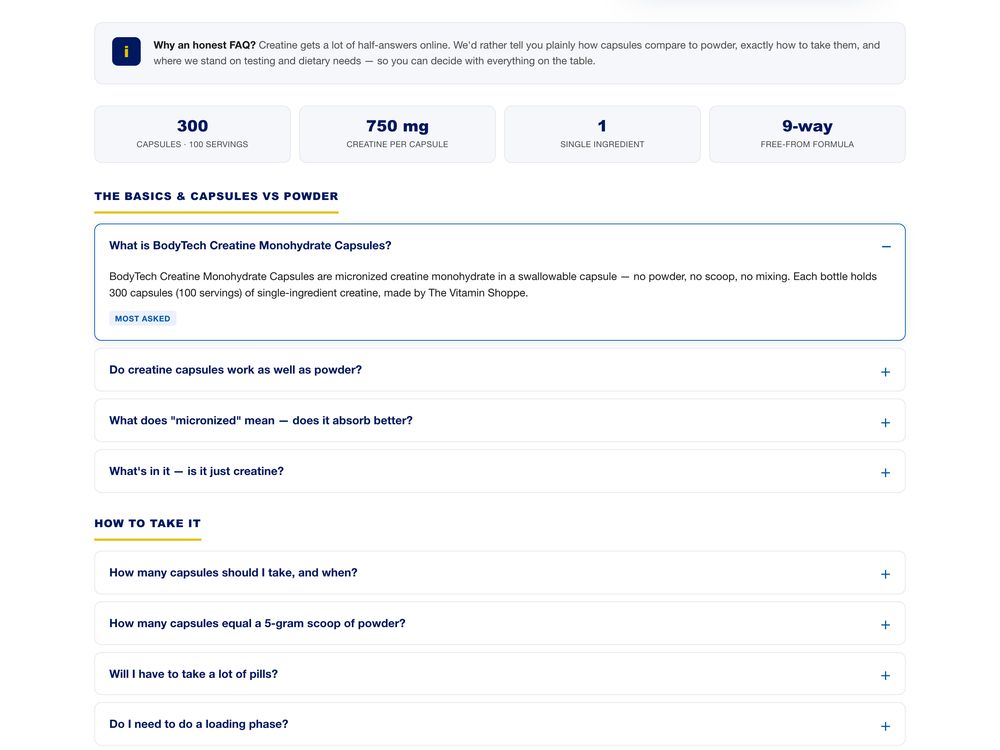
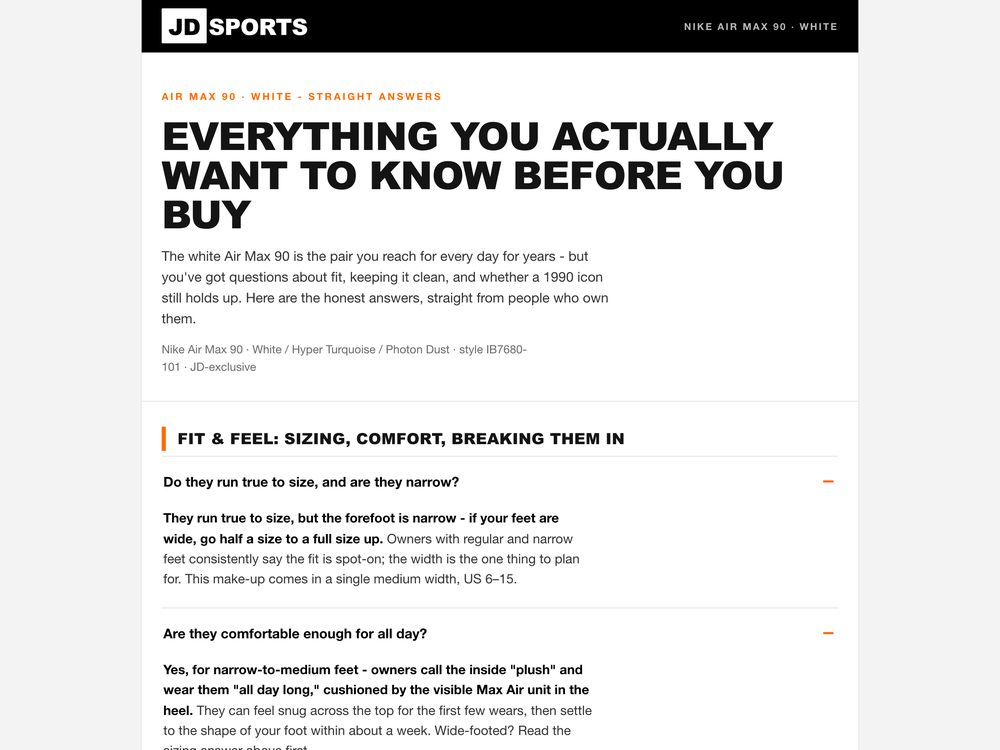
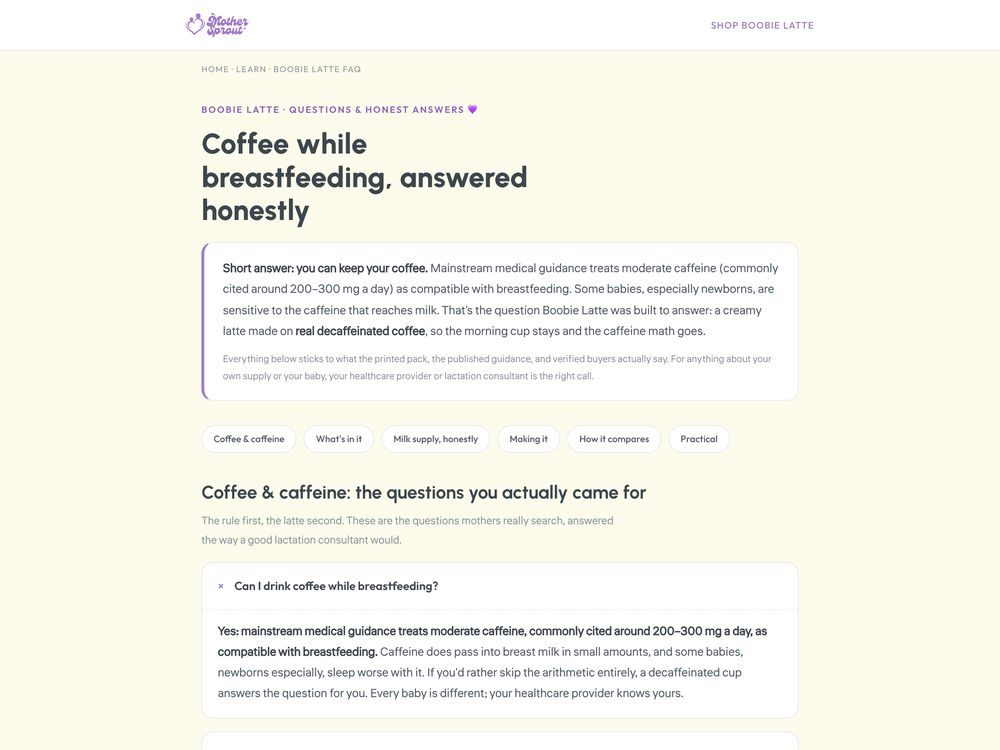
Short questions and direct answers on a product page. They remove doubt at the moment it appears, and AI assistants quote them when someone asks the same question.
Fit, size, compatibility, care and what is in the box.
The questions your sales team gets asked again and again.
The same checked facts, ready for your bot to use.
After-sale questions about setup, use and returns.
Take them from chats, tickets and search, in the words shoppers use.
A direct answer, then a short reason. No one reads a wall of text.
Answers help most where the shopper hesitates, not on a separate page.
A wrong answer costs a return. Each answer is checked against the maker.
Use the same answers in your chatbot and help center so every channel says the same thing.
New questions appear every week. Add them and retire the ones that no longer apply.
Chatbot logs, tickets and help center searches show what shoppers ask before they buy.
The moments, the shoppers and the reasons, from marketing science and thousands of sources.
Each answer is checked against the maker, then placed on the product page, in your chatbot and in your sales team’s talk track.
New questions become new answers, ready for your yes. Every Monday, the next best move.
SalesChef learns from the questions in the tools your team already uses, and returns checked answers to them. Your team approves before anything goes live.
See every integration Zendesk
 Intercom
 Gorgias
 Freshdesk
 Ada
AdaCollect the questions shoppers really ask, answer each in the first line, check each fact against the maker, and place them on the product page.
The ones your chatbot, support team and sales team hear most: fit, size, compatibility, delivery, care and returns.
On the product page, near the decision. Repeat the same answers in your chatbot and help center.
Tickets and chat logs show where the bot fails. SalesChef turns those gaps into checked answers the bot can use.
Yes. A question as a heading with a direct answer under it is easy for an AI assistant to lift and quote.
SalesChef uses the data from integrations like your chatbot and Zendesk to take pressure off sales teams, improve chatbots and answer questions before they are asked. Your team approves before anything goes live.
A wall of products already finished. Each one turns from what the supplier sent into a finished product, ready for online, in store, sales and campaigns.