Product comparisons by SalesChef
How do you make a product comparison chart?
List the products across the top and the features that change the decision down the side. Use the same unit for every spec, explain each feature in plain words, and add who each product is for.
Product comparisons by SalesChef
A product comparison chart sets products side by side on the features a shopper cares about, so they can choose without leaving the page. A fair one uses the same specs for every product, explains what each feature means, and says which product suits which person. SalesChef makes comparison charts and range explainers from checked facts, ready for your yes.
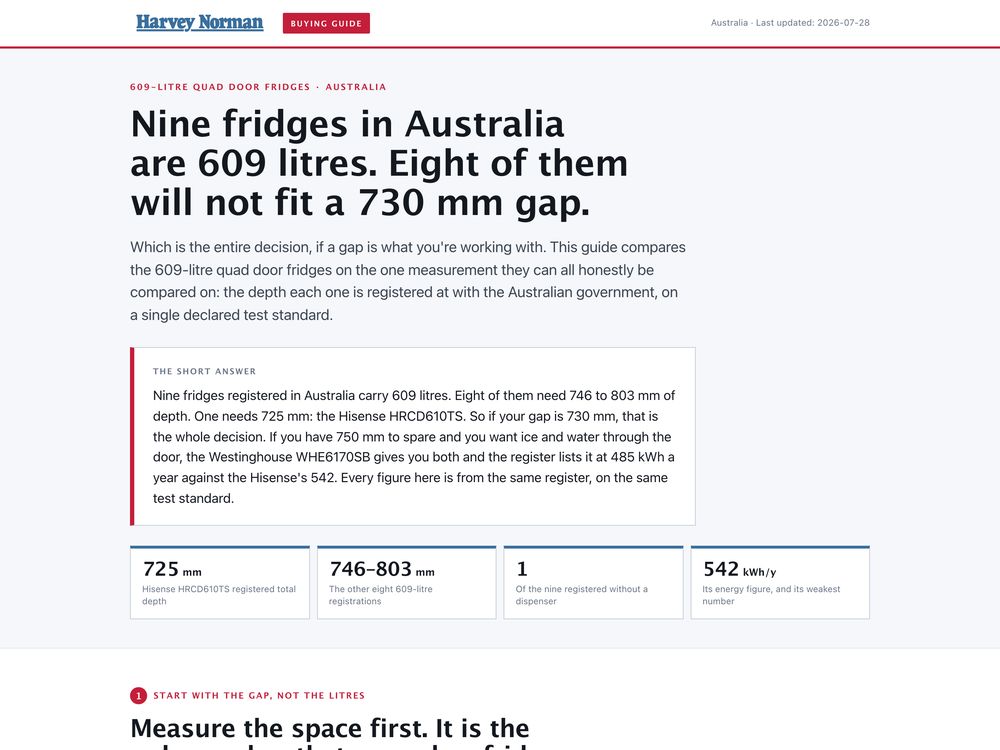
of the top 60 e-commerce sites have a dedicated comparison tool, and Baymard testing found users have severe difficulties using them.
Baymard Institute (opens in a new tab)A table that lines up products by their features so differences are easy to see. Also called a comparison table or side-by-side comparison. A range explainer goes one step further and says which product in the range is for whom.
Your own models side by side, so a shopper picks the right one.
Your product against a named alternative, on shared facts.
One short line per product: who it is for and why.
A simple ladder that shows what each step up adds.
Baymard found inconsistent spec formatting makes comparison impossible. Use one unit and one format throughout.
Lead with the differences that change the decision, not every line of the spec sheet.
Say what a feature means and why it matters, in a few plain words.
End each column with the person or job it suits. This is the range explainer.
A fair chart shows where a product is not the best. Shoppers and AI assistants trust it more.
A wrong cell in a comparison is worse than a wrong line elsewhere. Check each against the maker.
Who buys it, when, and why it is chosen over the one beside it.
Every spec in the same unit and format, each one checked against the maker.
The table, the plain-word feature notes and the who-is-it-for line, on every product page in the range.
A new model or a new season updates every comparison, ready for your yes. Every Monday, the next best move.
SalesChef reads the specs where they live and returns finished comparisons to the systems you publish from.
See every integration Akeneo
 Salsify
 Syndigo
List the products across the top and the features that change the decision down the side. Use the same unit for every spec, explain each feature in plain words, and add who each product is for.
A grid of products and features that shows differences at a glance. It is the same thing as a comparison chart.
Yes: one column per product, rows for the five to eight features that matter most, a plain note on what each means, and a last row for who it suits.
A short guide to a product range that says which one is for whom, so a shopper does not have to decode model numbers.
Use the same facts for every product, include where yours is not the strongest, and check each fact against the maker.
SalesChef makes the chart and the range explainer for every product from checked facts, and keeps them current when the range changes. Your team approves before anything goes live.
A wall of products already finished. Each one turns from what the supplier sent into a finished product, ready for online, in store, sales and campaigns.