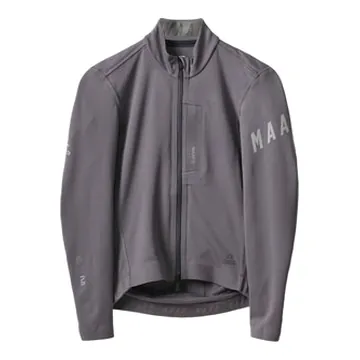
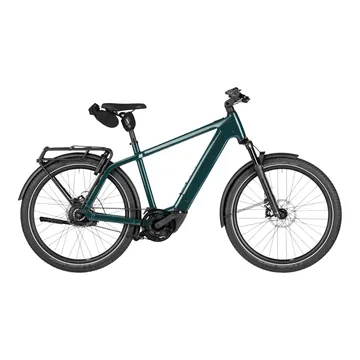
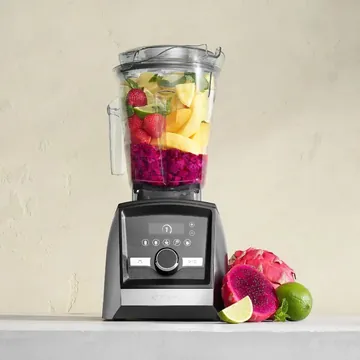
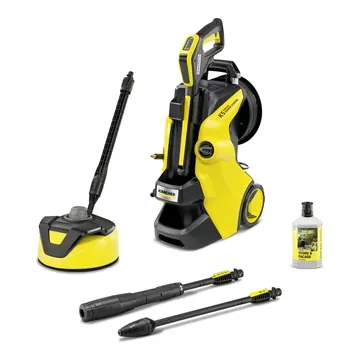
Product video by SalesChef


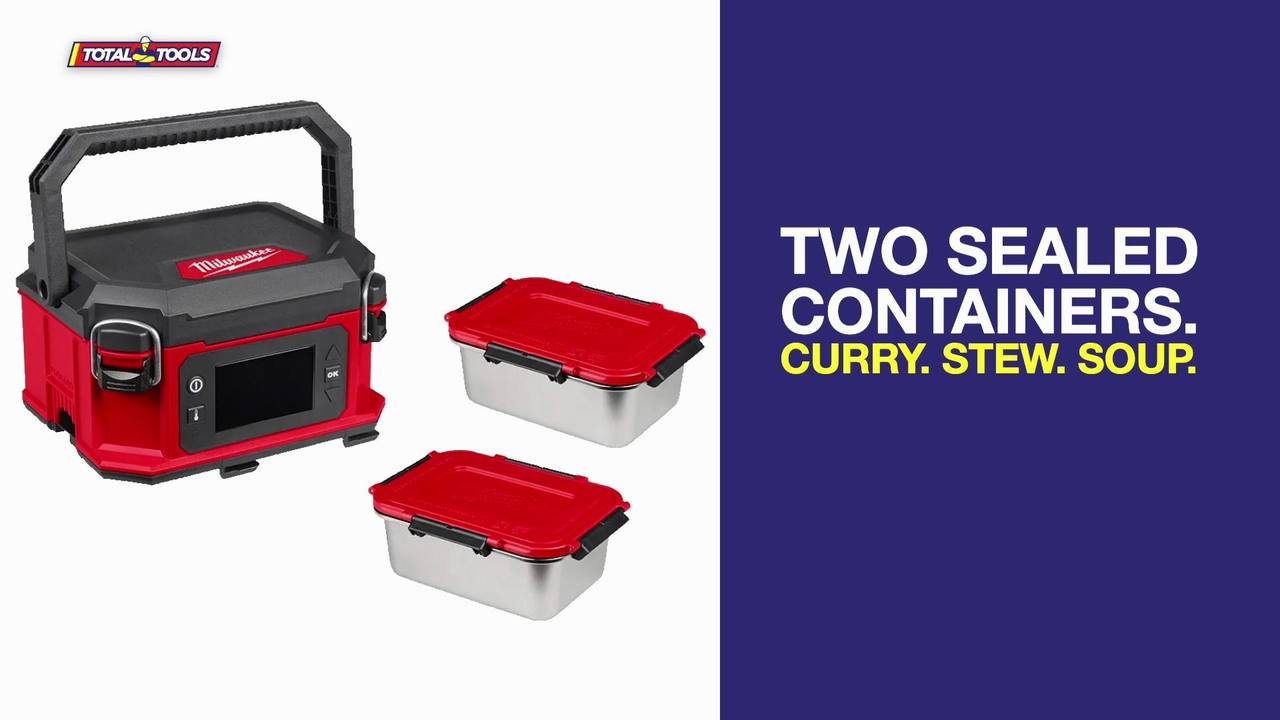
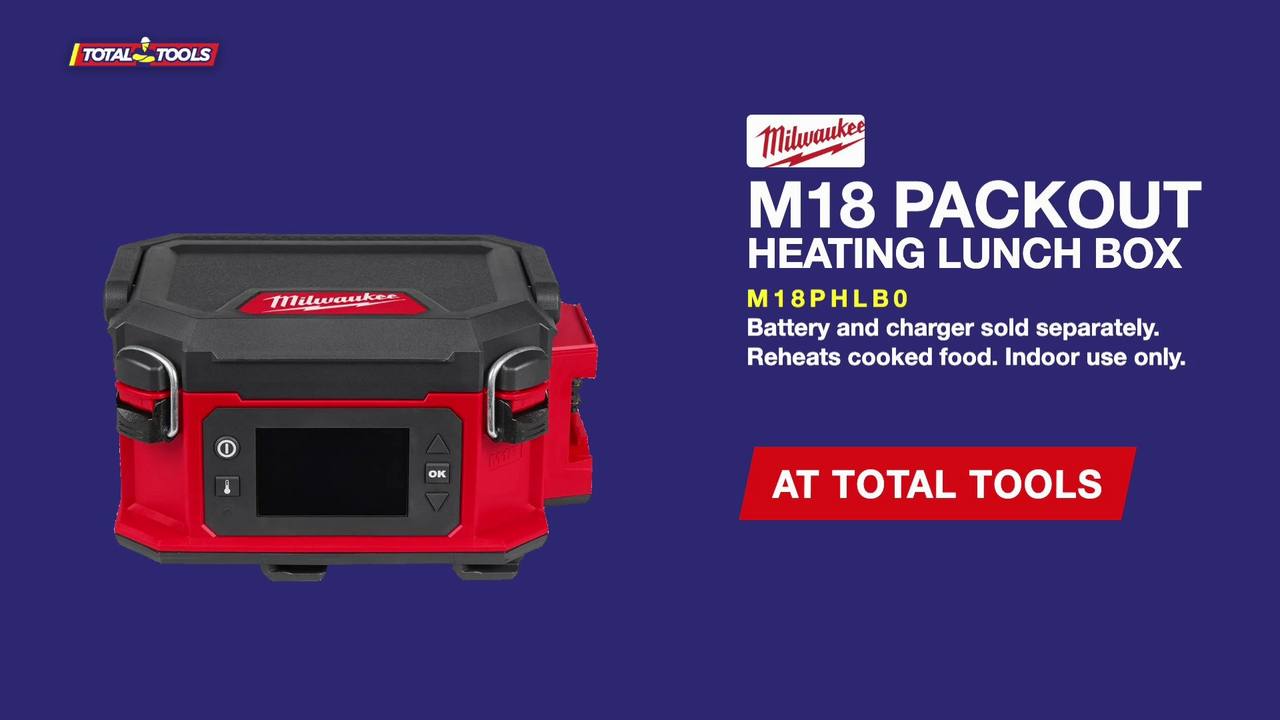
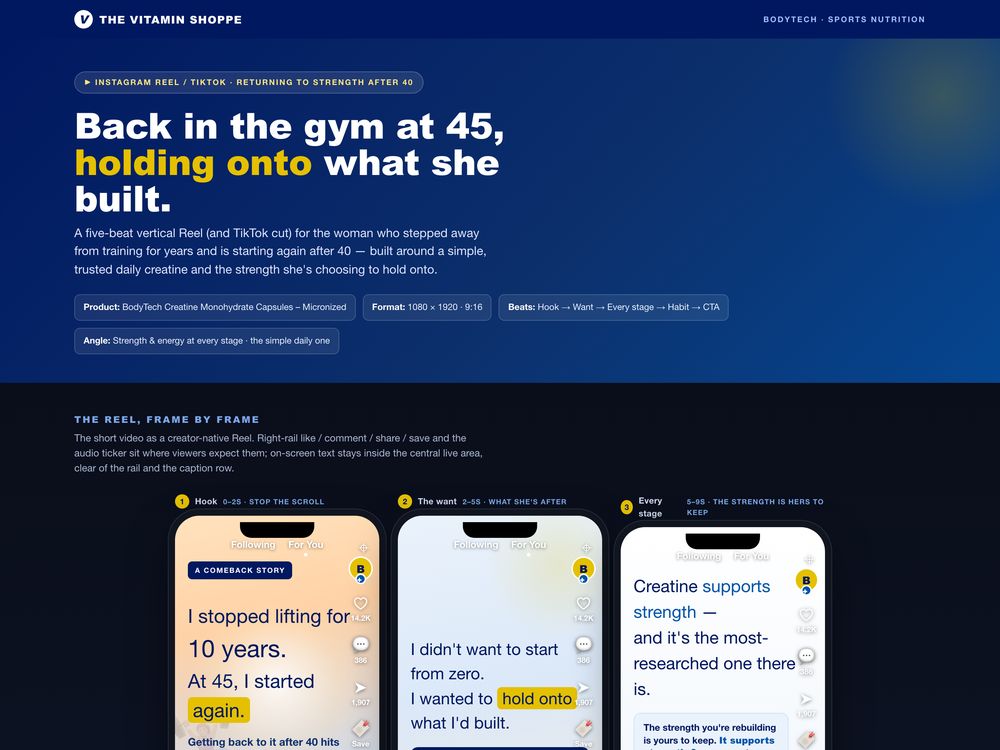
How do you make a product video?
Start with the one reason to choose the product, write the script and shot list around it, then film or generate it in the versions each place needs. The planning decides most of the result.
Product video by SalesChef
A product video is a short film that shows what a product does and why someone would choose it, for a product page, social, an ad or a screen. It works when the first seconds show the point, every shot proves a claim, and the facts are true. SalesChef creates the script and shot list for every product, then hands them to your video team, an AI video tool or both.
of consumers say they would most like to watch a short video to learn about a product or service.
Wyzowl 2026, via Shopify (opens in a new tab)of shoppers say product images and videos are the most important product page element when completing a purchase.
Salsify 2026, via Shopify (opens in a new tab)A short video about one product. The script says what to say and the shot list says what to show. Both come before anyone picks up a camera or opens an AI tool.
The product in use, showing the job it does.
A short walk through what it is and how to choose.
The introduction of a new product, cut for social, ads and the page.
A few seconds, shot for sound off and small screens.
The opening seconds carry the reason to care. Save the brand sting for the end.
A video that tries to cover the whole range sells none of it.
If a shot does not show something true about the product, cut it.
Write what is said and what is seen side by side, so the crew or the tool knows exactly what to make.
Vertical for social, wide for the page, silent-ready for screens. Plan the versions in the shot list.
Specs, sizes and claims must match the label. A wrong number is hard to fix once it is in a film.
The moments, the shoppers and the reasons, from marketing science and thousands of sources.
A tight script for each length and place, built on checked facts.
Each shot with what to show, why it proves the claim, and the versions needed.
The same brief goes to your video team, an agency or an AI tool. Every Monday, SalesChef names the next product that needs one.
Make it with AI presenters and generators, your own team or an agency. Then host and publish it where you already do.
See every integration Synthesia
 HeyGen
 Runway
 Descript
 YouTube
 Vimeo
Vimeo Wistia
Start with the one reason to choose the product, write the script and shot list around it, then film or generate it in the versions each place needs. The planning decides most of the result.
Usually a product video, product demo or explainer. A launch video introduces a new product.
The point in the first seconds, two or three true claims each shown on screen, and one clear next step. Spoken words and shots are written side by side.
Yes. Tools such as Synthesia, HeyGen and Runway make presenter and generated video. The result is only as good as the script and the facts behind it, which SalesChef supplies.
As short as the job allows. A social clip may need a few seconds. A demo on the page can run longer if each shot earns its place.
SalesChef creates the script and shot list for every product from checked facts. Your team, an agency or an AI tool makes the film. Nothing goes live without your yes.
A wall of products already finished. Each one turns from what the supplier sent into a finished product, ready for online, in store, sales and campaigns.