In-store screens by SalesChef



What is digital signage in stores?
Screens that play product stories, offers and brand moments inside a store, scheduled from a central system.
In-store screens by SalesChef
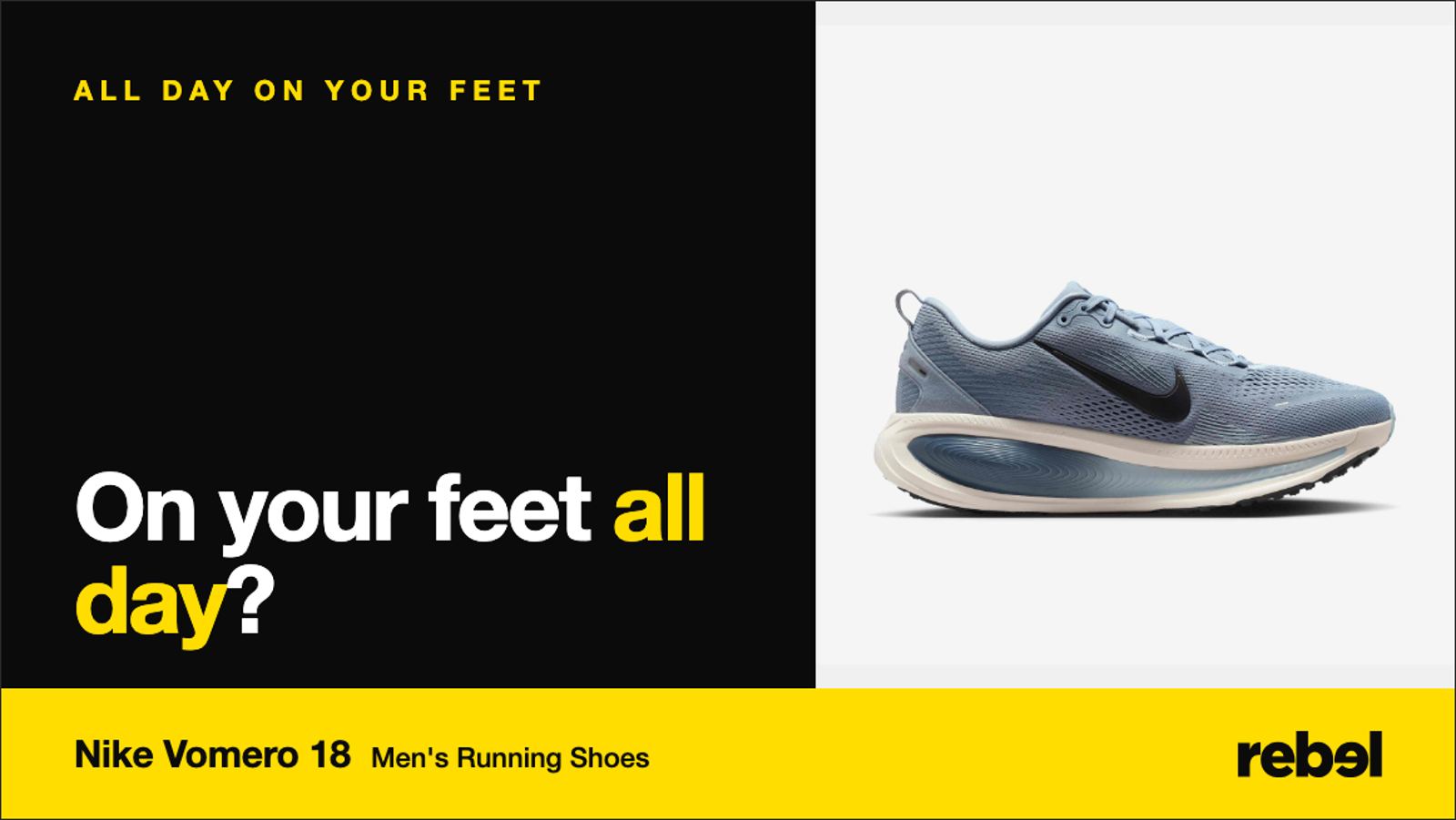
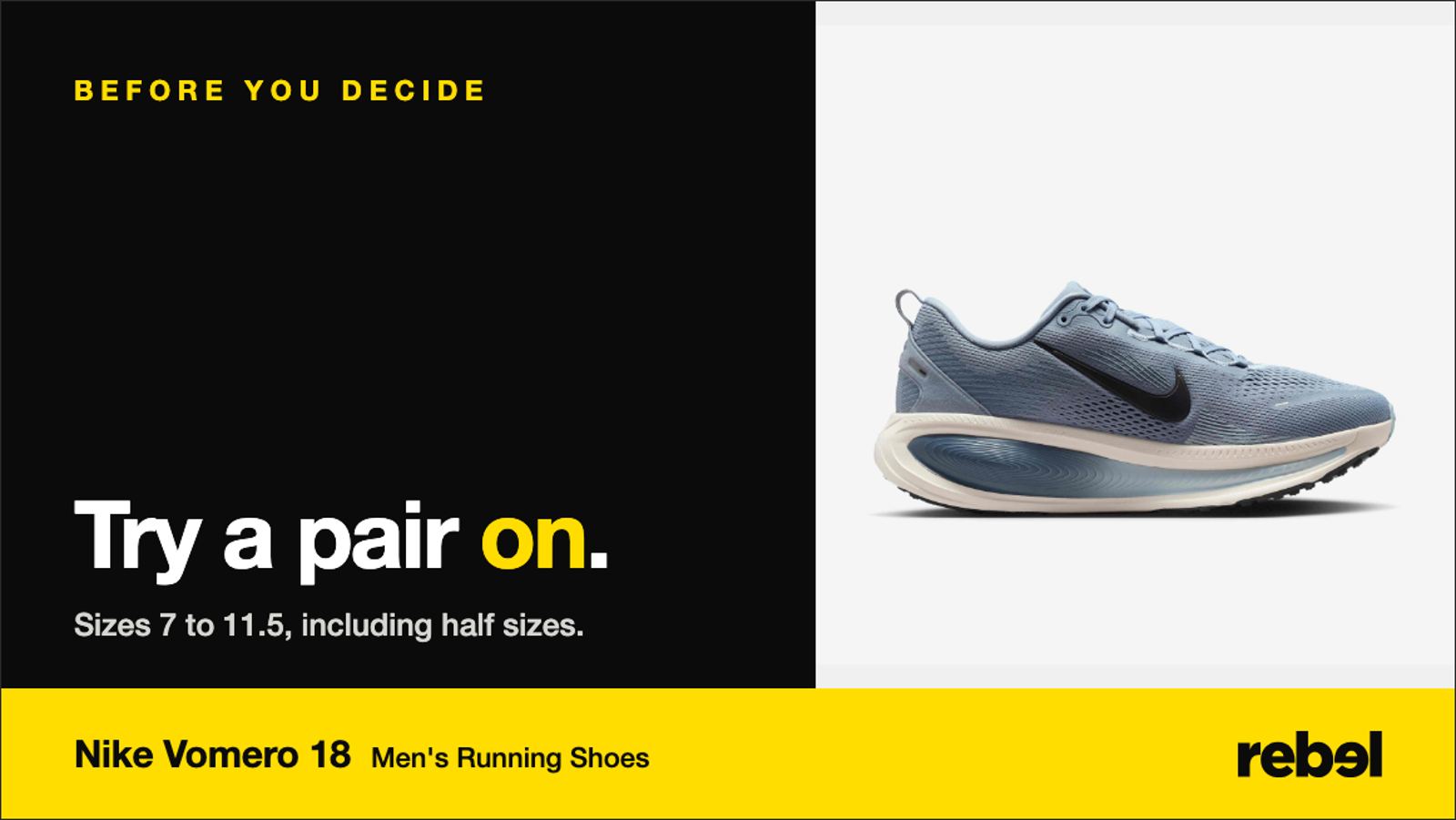
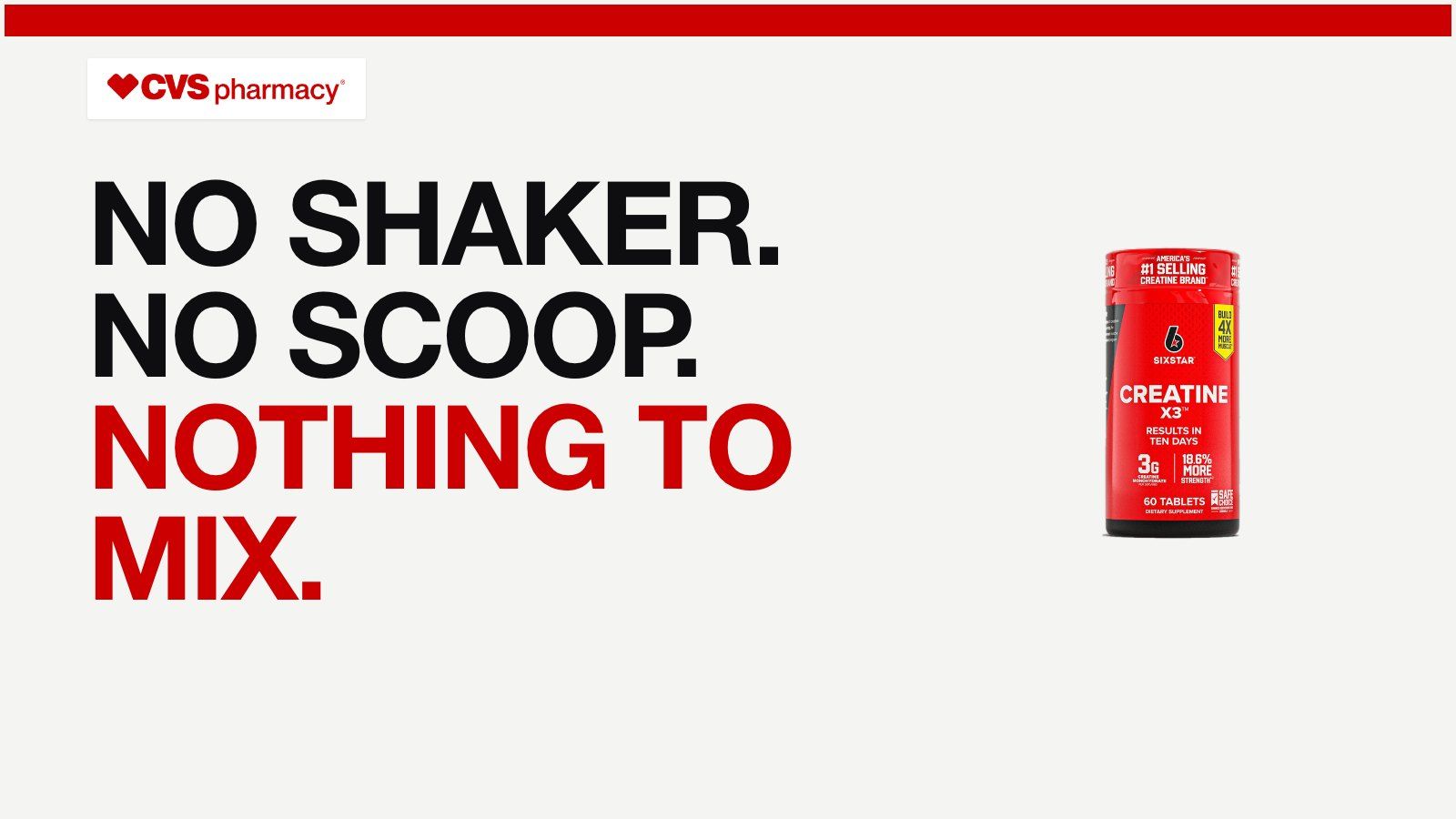
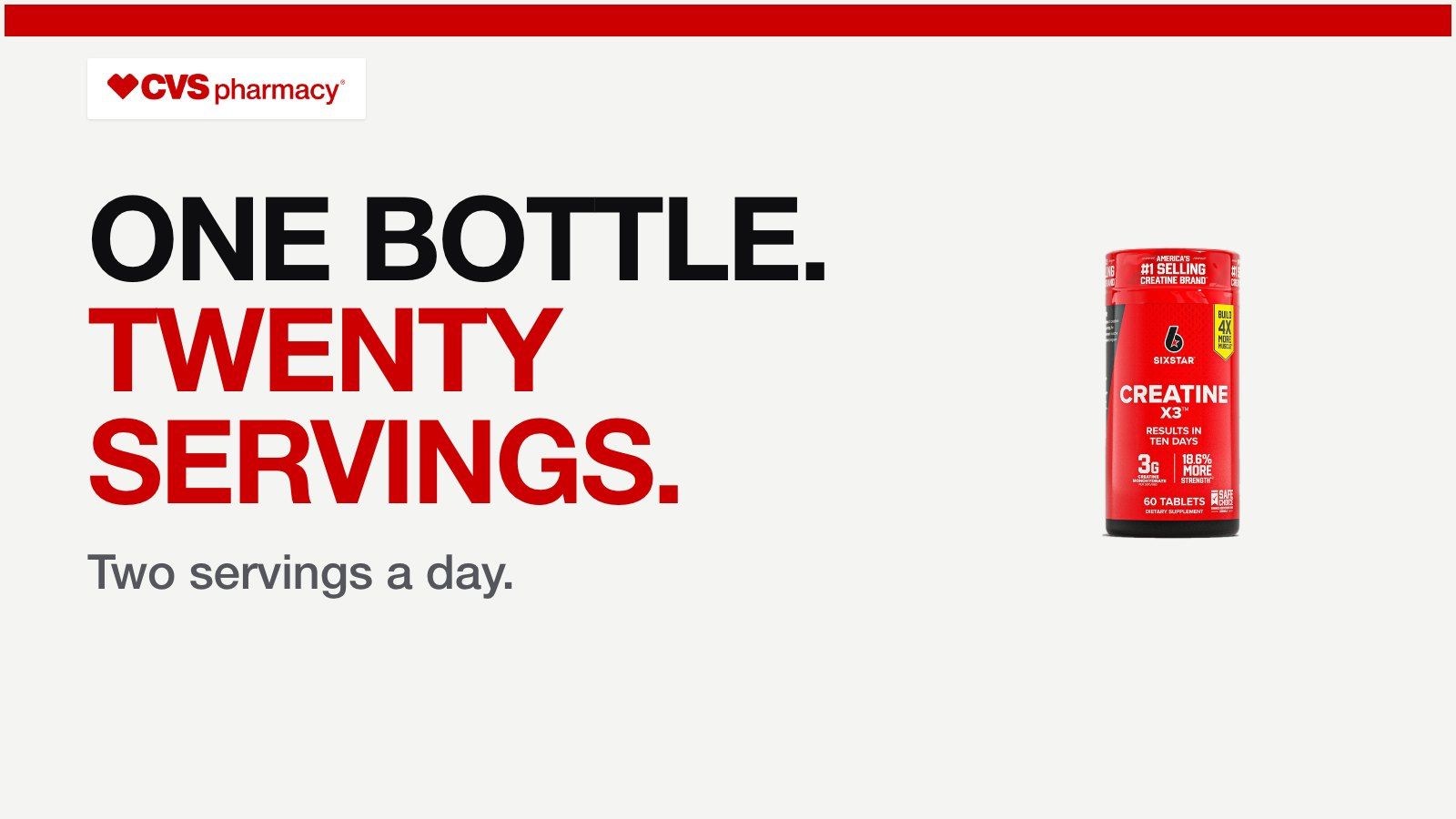
In-store screens, or digital signage for retail, show moving product stories on displays in the aisle, at the endcap and at the till. They work when each screen carries one clear message about a product, in motion, with emotion first and the fact after. SalesChef makes animated, elegant screen loops for every product, in every screen format, ready for your yes.
Shoppers shown a message on an in-store screen were 8.1% more likely to buy the advertised product. Randomized tests across 237 campaigns and about 30 million shopper visits.
Herhausen, de Jong and Grewal, Journal of Marketing, 2025 (opens in a new tab)Screens in a store that play product stories, offers and brand moments. Each place in the store suits a different job.
Tell a story for the category and its stars.
Sell one product where the shopper is choosing.
A last prompt in the queue, for add-ons and next visits.
Draw people in with the season or the launch.
In the study above, emotional messages beat plain information. Show the moment, then give the one fact.
Shoppers pass in seconds. A few seconds per message, with clear movement, gets noticed.
A screen that tries to say everything says nothing. Give each spot one job.
Landscape, portrait, tall strip or square: each format and each viewing distance needs its own cut.
Refresh weekly for the range and the season, and keep a few steady loops. Stale screens become wallpaper.
Compare stores with and without the screen, and judge on units and gross profit, not views.
The moments, the shoppers and the reasons, from marketing science and thousands of sources.
Each line on screen is checked against the maker and the label.
Elegant motion for every product and every screen shape, as files ready to load.
A new range, a new season, a new slot: the loops are ready for your yes. Every Monday, the next best move.
The platforms that play and schedule your store screens. Loops arrive in each one’s formats.
See every integration Broadsign
 Vistar Media
 ScreenCloud
 Yodeck
Screens that play product stories, offers and brand moments inside a store, scheduled from a central system.
One product story per message: the moment the product is for, then one proven fact. Motion and emotion do better than lists of features.
Weekly for range and season, with a few steady loops. Match the change to how often shoppers visit.
A clear message, motion, readable type, the right format for the place, a schedule, and a way to measure the sales it added.
A randomized study of 237 campaigns found shoppers shown a message were 8.1% more likely to buy the advertised product.
SalesChef makes animated, on-brand loops for every product and screen format from the checked record. Your team approves them first.
A wall of products already finished. Each one turns from what the supplier sent into a finished product, ready for online, in store, sales and campaigns.